Product information
Software built around your workflow.
Core capabilities
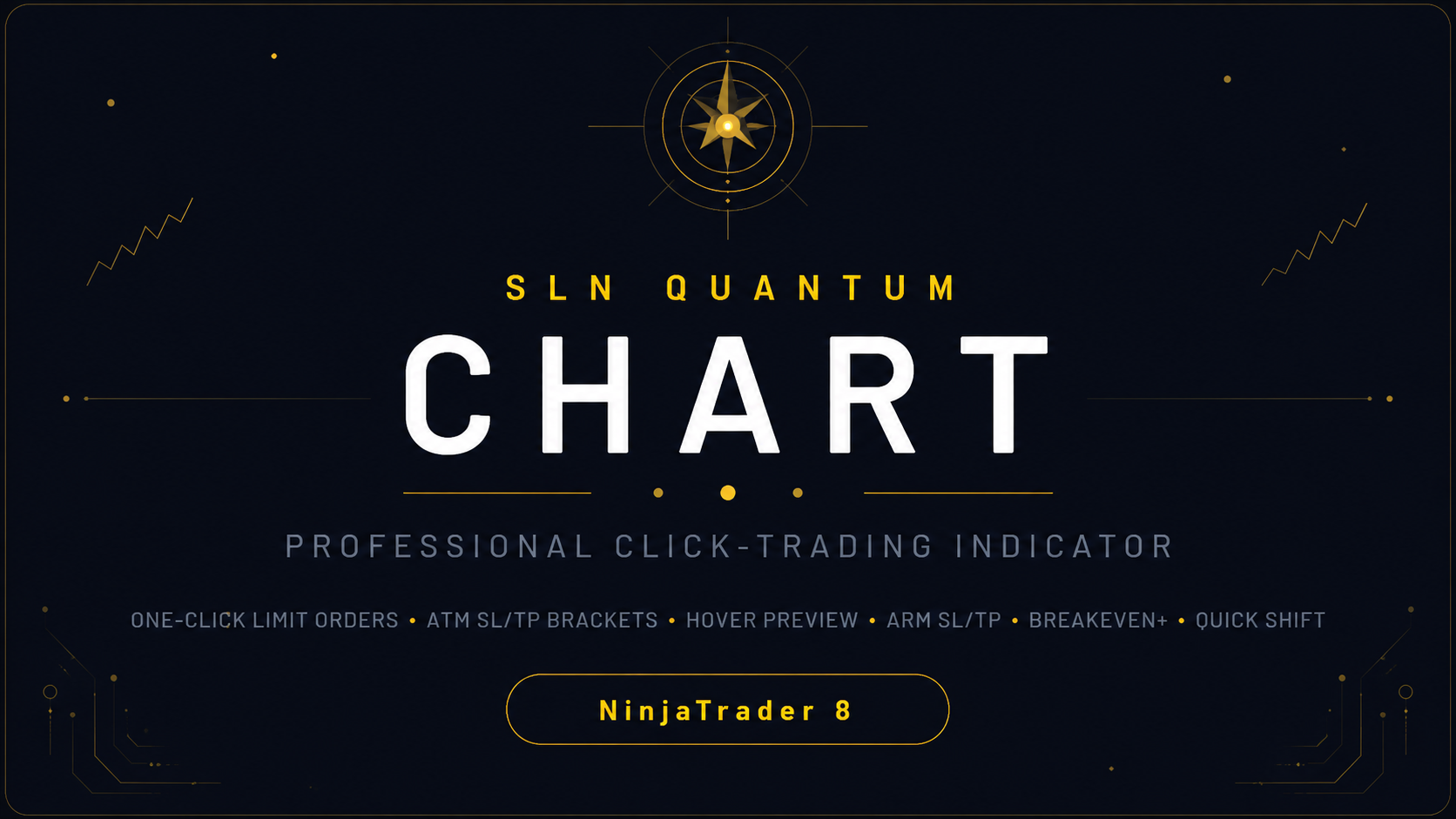
- One-click Buy/Sell limit orders placed directly on the chart at mouse price
- ATM strategy template integration for automatic SL/TP bracket orders
- Real-time hover preview showing SL (red) and TP (green) zones on chart
- Arm SL / Arm TP buttons for manual stop-loss and take-profit placement
- Arm SL ATM / Arm TP ATM for dynamic ATM-based bracket management
- BE + X (Breakeven Plus) button to move stop-loss to breakeven + configurable ticks
- Quick Shift TP/SL buttons (+20 / -20 ticks) for fast bracket adjustments
- SL Amend countdown with automatic fallback bar detection
- Auto-disarm after click (configurable)
- Integrated with ChartTrader account and quantity selectors
What is included
- SlnQuantumChart indicator for NinjaTrader 8
- Lifetime license (one-time payment, 1 PC)
- PDF manual with documentation
- Installation instructions (TXT)
- Support for installation and activation
Requirements
- NinjaTrader 8 (Windows)
- Internet connection for license validation
- A connected NinjaTrader account (SIM or live)
- Use the same email/username you use to log into NinjaTrader 8
Installation
- Download the SlnQuantumChart package (.zip) after purchase.
- Open NinjaTrader 8, go to Tools > Import > NinjaScript Add-On.
- Select the .zip package and confirm import.
- Restart NinjaTrader 8 if prompted.
- Open a chart, right-click > Indicators > find SlnQuantumChart > Add > OK.
- Buy Click / Sell Click buttons appear in ChartTrader panel.
Frequently asked questions
How do I place an order with ATM SL/TP?
Select an ATM strategy template in ChartTrader, then arm Buy Click or Sell Click and click on the chart.
What if I don't select an ATM template?
A plain limit order is placed without SL/TP.
What does BE + X do?
It moves your stop-loss to breakeven plus configurable ticks.
Can I use it on SIM accounts?
Yes. Works with any NinjaTrader connected account.
Is this a subscription?
No. One-time lifetime purchase for €150.
What email should I use?
Use the same email you use to log into NinjaTrader 8.
Trading futures involves substantial risk and is not suitable for all investors. Risk disclosures.
Product gallery
Gallery